Use the left and right arrow keys to turn pages.
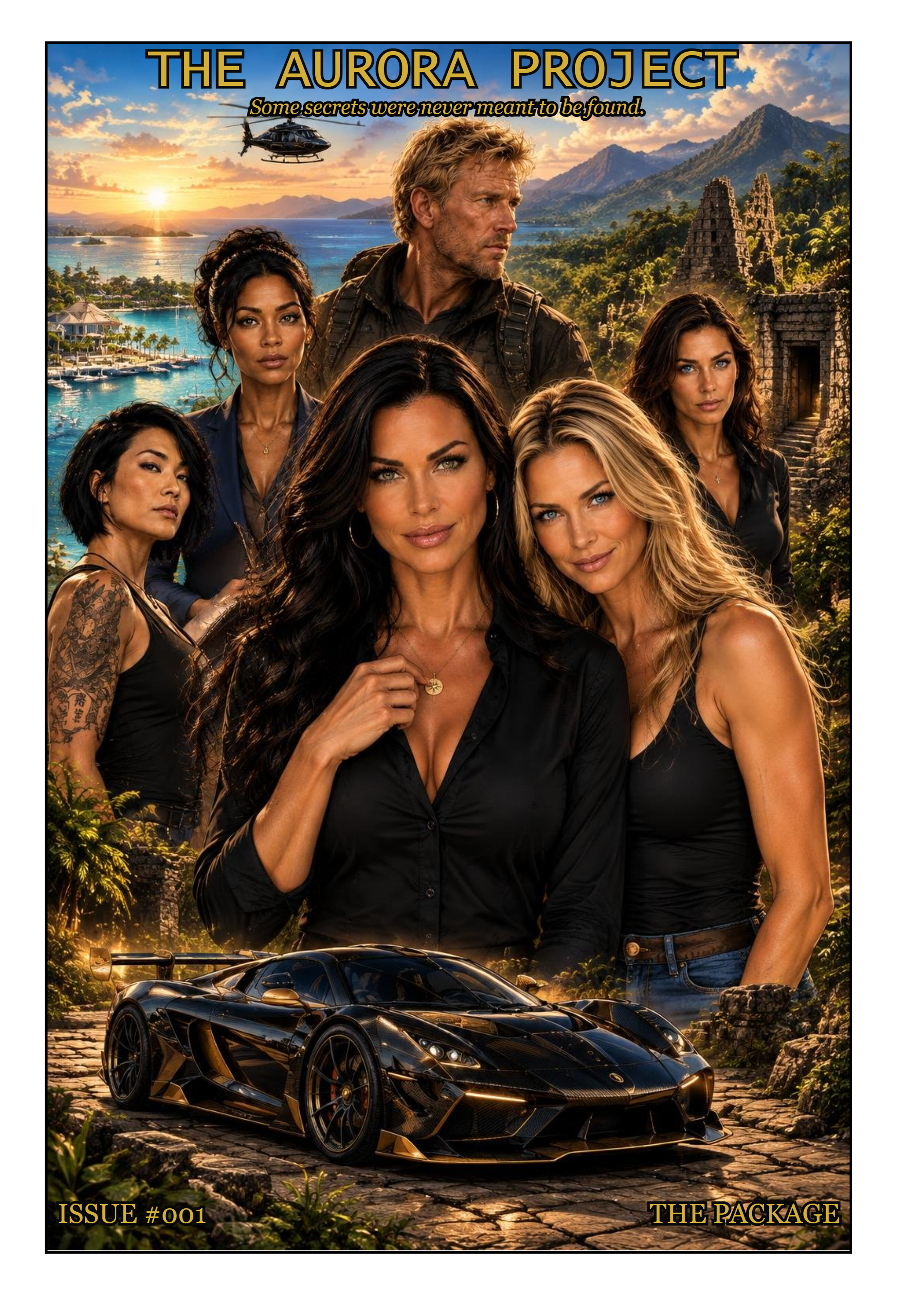
Read the launch images directly: Cover · Prologue · Page 1 · Page 2 · Page 3.
 THE AURORA PROJECT